Skip to content
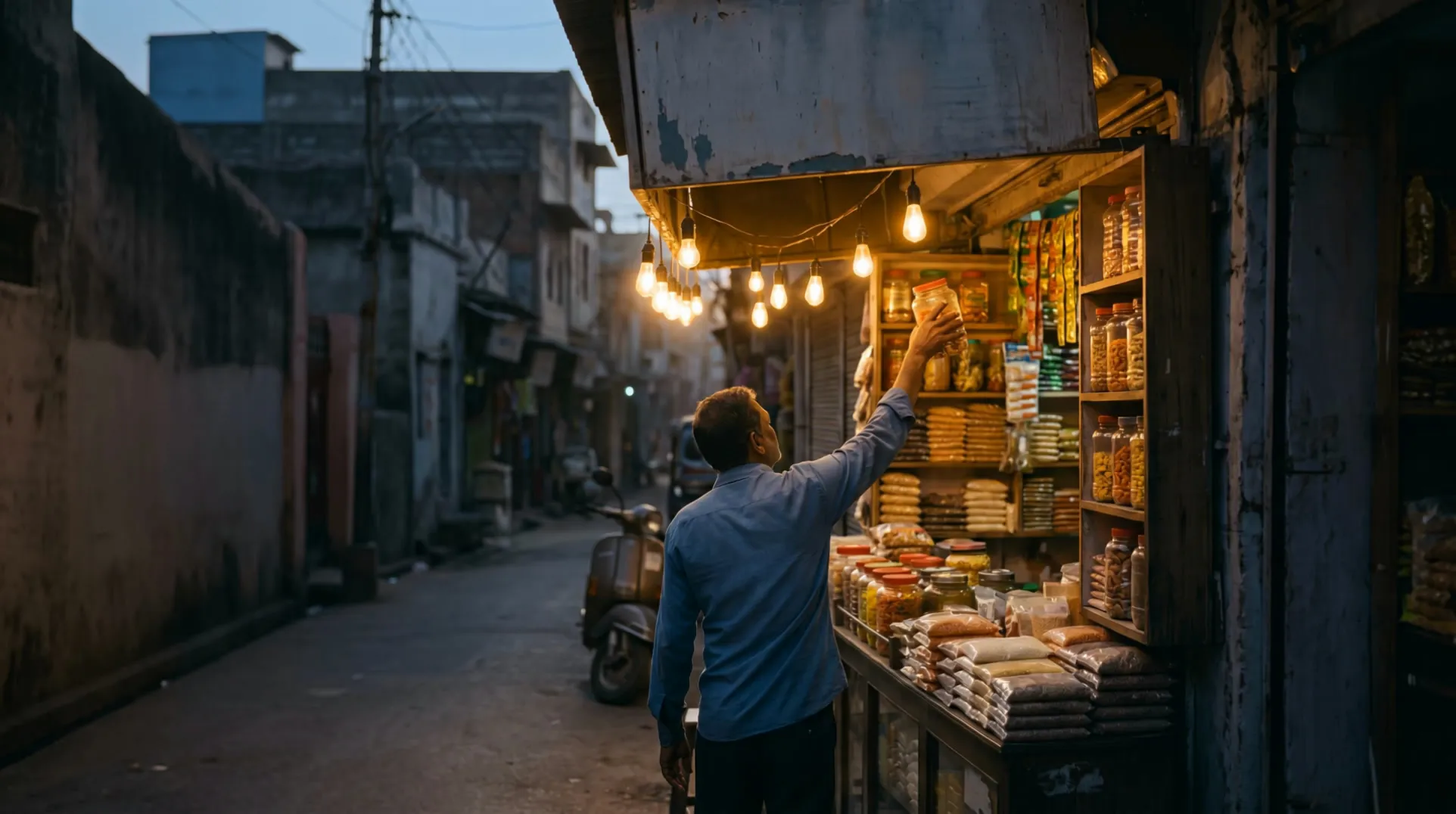
A neighbourhood kirana at dusk, the shopkeeper reaching for a jar under a string of warm bulbs.

Buy from shops you know. Riders bid. You pick.

localooru puts every shop in your pincode online. Delivery riders nearby bid the real price, and you choose who brings it to your door.

No hidden fees · You approve the delivery priceScroll to follow this order to the door ↓

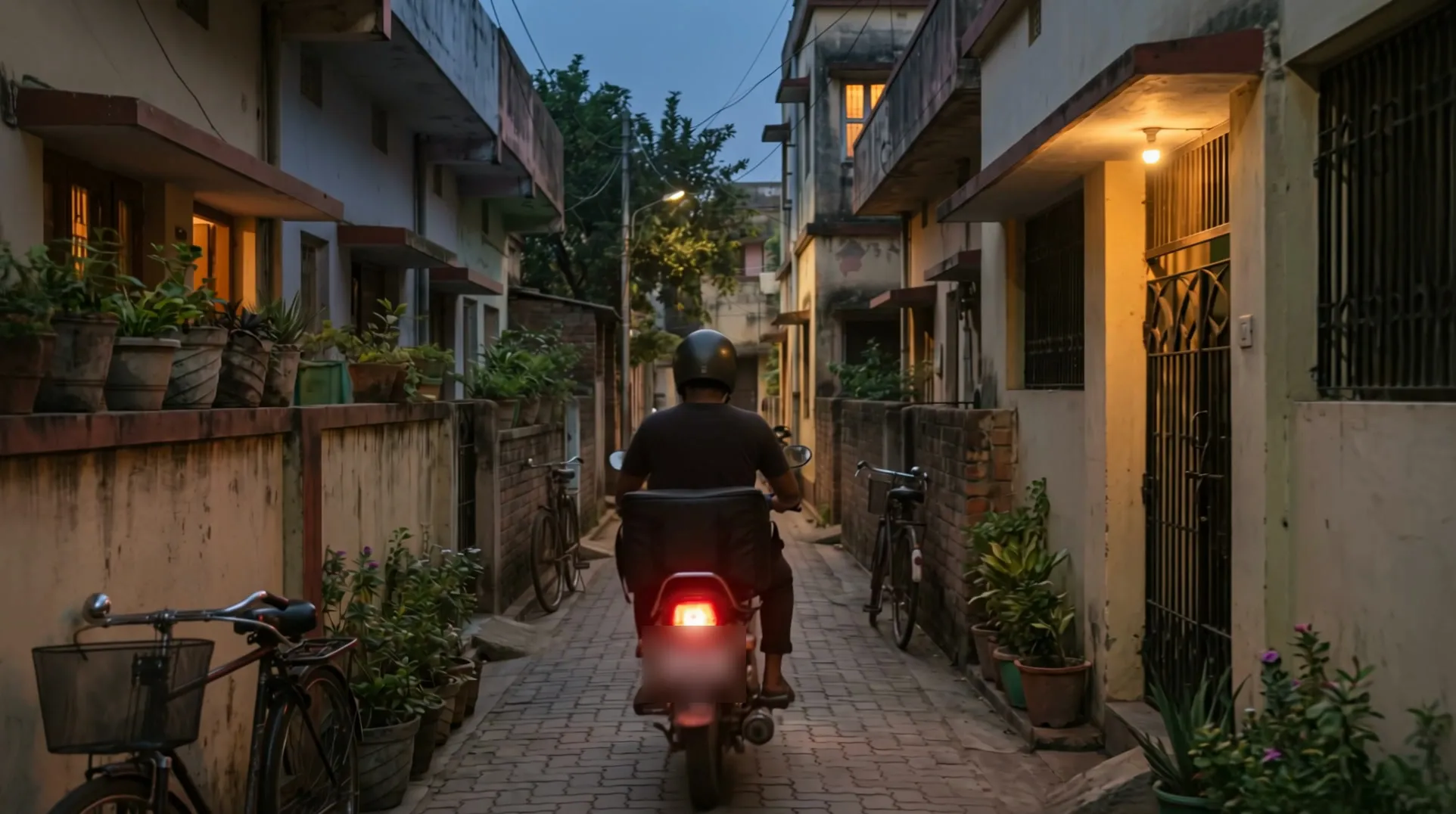
A delivery rider on a scooter heading down a narrow residential lane at dusk.

Example order: Sharma Kirana receives three delivery bids of 24, 21 and 18 rupees. Arjun is marked familiar because he has delivered to this customer four times before, and in the app familiar riders rank first. The customer chooses Arjun, the closest rider, at 18 rupees. Arjun hands the order over at the door, and the customer pays him directly, the price they approved. localooru never holds your money.

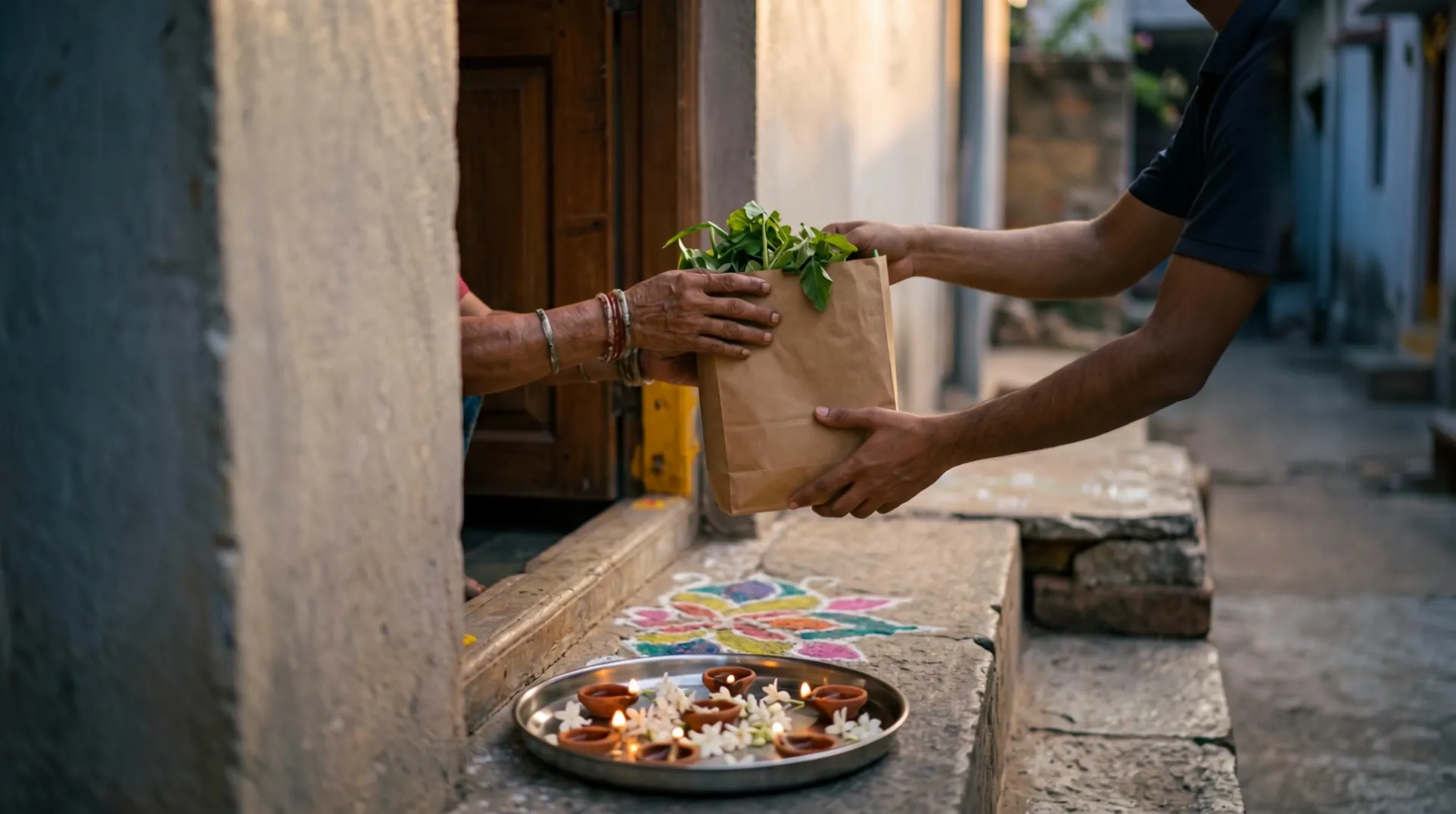
Two pairs of hands passing a paper bag of vegetables over a rangoli and a thali of lit diyas at a doorstep.

6:54 pm · Arjun · ₹18 · 12 min

Handed over at the door.

You paid Arjun directly, the price you approved. localooru never holds your money.

Assigned, or chosen?

Quick-delivery apps match orders to riders with a routing algorithm. localooru turns each delivery into a small local auction instead: riders bid, and the decision comes back to you.

Where it comes from

Typical app

A warehouse, sometimes across town

localooru

The shop on your street

Who delivers it

Typical app

Whoever the algorithm assigns

localooru

Riders nearby who bid for the trip

What delivery costs

Typical app

A fee set for you

localooru

A live bid you approve

If something goes wrong

Typical app

A support ticket in a queue

localooru

The shopkeeper you already know

Sharma Kirana, Arjun, and you.

Every order connects a customer, a shop and a rider. Here is what each of them does.

You, the customer

Order from your street

  1. 01

    Find a shop

    Browse the shops in your pincode. Real storefronts, real owners.

  2. 02

    Place your order

    Pick what you need. The shop confirms before anything is charged.

  3. 03

    Pick your rider

    Watch bids come in. Choose on price, distance or rating.

Follow updates on X (opens X in a new tab)

Shops like Sharma Kirana

Put your shop online

  1. 01

    Set up your storefront

    List your shop and your items. You decide what is for sale.

  2. 02

    Take orders as they come

    Orders land on your phone. Accept the ones you can fulfill.

  3. 03

    Hand it to a rider

    A nearby rider picks it up and brings it to your customer.

Follow updates on X (opens X in a new tab)

Riders like Arjun

Bid for the trips you want

  1. 01

    Go on duty

    See orders the moment they are placed around you.

  2. 02

    Bid your price

    You see the distance first, then name the price you will accept.

  3. 03

    Deliver and get paid

    Get chosen, make the delivery, and get paid for the trip.

Follow updates on X (opens X in a new tab)

Every delivery is a small auction.

Between "place order" and "doorbell", one thing happens that no other delivery app does: the price of your delivery is discovered by the people who will ride it.

Riders know the road. You know your neighborhood.

The pricing model, in one line
  1. 01

    You order

    You pay for the items. The delivery price is not on the bill: it has not been set yet.

  2. 02

    Riders bid

    Every rider near the shop sees the trip and bids what it is worth to them: distance, traffic, weather, their own schedule.

  3. 03

    You choose

    Each bid shows the rider's price, distance and rating. The call is entirely yours.

  4. 04

    It is delivered

    Your rider brings it to the door. You knew their name before they arrived.

Your pincode, your people.

localooru works inside your pincode, not across your city. Your shopkeeper knows your order history, your rider lives three streets away, and you know exactly who is coming.

  • 01

    Scoped to your pincode

    You only see shops and riders around you. No city-wide warehouses, no strangers from across town.

  • 02

    Real names, real faces

    Shopkeepers and riders build their record on the streets where they live. Trust gets earned repeat by repeat.

  • 03

    You approve the delivery price

    Bids are open and you pick one. Nothing is added at checkout that you did not see.

  • 04

    Problems have names

    If something goes wrong you are not in a call-centre queue. You call the shop you ordered from.

How a pincode works

  • Your pincode
  • Shops & riders nearby

Before you order from Sharma Kirana.

What areas does localooru cover?

We are starting with a small number of pincodes and expanding one at a time. There is no sign-up list yet: each new pincode is announced on X, at x.com/prayushkale.

How is the delivery price decided?

Riders near the shop bid what the trip is worth to them. You see every bid with the rider's price, distance and rating, and you approve the one you want. The price you approve is the price you pay.

What does an order cost?

You pay for your items, plus the delivery bid you approved. No fee is added on top of that after the fact.

How do I sell on localooru?

If you run a shop in a pincode we are opening, we will set up your storefront with you before it goes live. Follow the updates on X to hear when your pincode is next.

How do I deliver with localooru?

If you ride in a pincode we are opening, you can join as a rider when it goes live. You will see orders around you as they are placed, and you bid the price you will accept for each trip.

Why do I choose my own rider?

Because no routing algorithm knows your street better than the people who ride it. You pick on price, distance or rating. The call is yours.

Is this another 10-minute delivery app?

No. localooru does not promise to beat a clock. It connects you with the shops and riders of your own neighborhood, at the pace that genuinely works.

Not open in your pincode yet.

localooru opens one pincode at a time, and there is no sign-up list. Each new pincode, and the first shops and riders in it, gets announced on X.